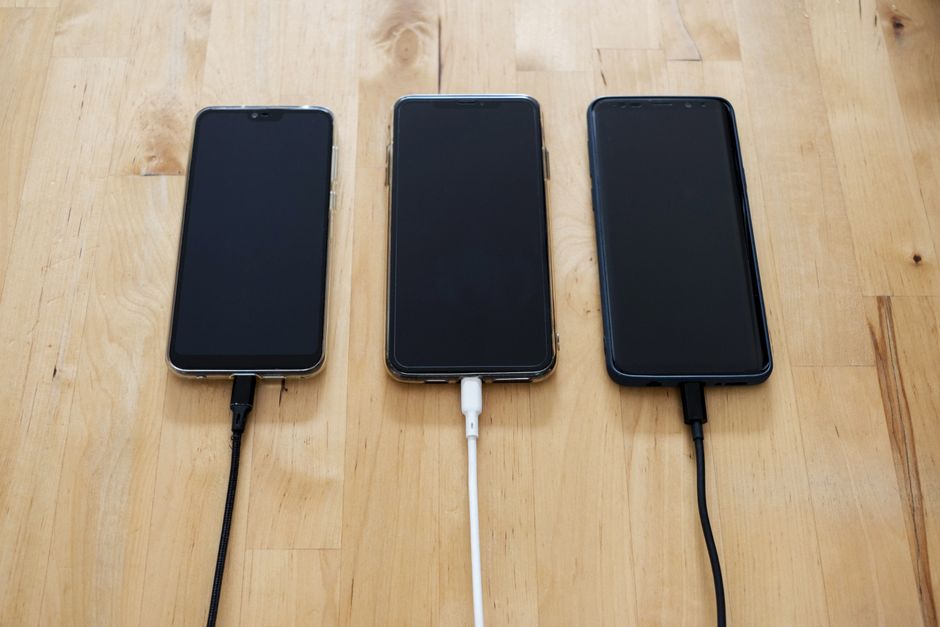
A friend called me last spring, about an hour after her laptop stopped turning on. She wasn't panicking about the laptop. She was panicking about a folder called taxes_current, and about eleven years of photographs, and about the only copy of a manuscript she'd been writing since her father died.
"It's fine," she said. "It's all in Dropbox."
It was not all in Dropbox. Dropbox had the four folders she'd deliberately put there in 2019. Everything else — the photos she'd imported straight from her phone to the desktop, the scanned documents, the manuscript she'd saved to Desktop because that was faster — lived in exactly one place, which was a drive that no longer spun.
That conversation is the reason I'm writing this. Most people believe they have a backup. Very few people actually do, and the gap between those two states is usually invisible right up until the moment it costs you something irreplaceable.
A backup you have never restored from is not a backup. It's a hypothesis.
Drives don't die dramatically. That's the problem.
There's a comforting myth that hardware failure announces itself — a grinding noise, a warning dialog, a week of strange behavior that gives you time to react. Sometimes it does. Often it doesn't.
Backblaze, a cloud storage company, has been publishing failure statistics on its own fleet for over a decade, which makes it one of the few public datasets on how drives actually behave at scale. In Q1 2026 the company reported a quarterly annualized failure rate of 1.24% across 345,662 drives, with a lifetime rate of 1.39%. For 2025 as a whole the figure was 1.36%, down from 1.55% the year before.
Read that the wrong way and it sounds like great news. Roughly one drive in eighty fails per year — so your drive is 98.7% likely to survive the next twelve months. Why bother?
Because you are not running a fleet. You are running one drive, and your exposure isn't the average failure rate — it's the consequence of a single failure. A data center losing 1.24% of its drives loses nothing, because every byte exists in several places. You losing 100% of your one drive loses everything on it. The statistic that matters isn't how likely failure is; it's what happens to you when it lands.
And failure isn't only mechanical. The drive in my friend's laptop was fine, as it turned out — the logic board had gone. She got the data back for about four hundred dollars and a two-week wait. That was the lucky version of this story.
Three copies, two kinds of media, one somewhere else
The rule most professionals use is old, boring, and still correct. It's called 3-2-1:
- Three copies of anything you care about
- On two different types of storage
- With one copy kept off-site
Each number is doing real work. Three copies, rather than two, means a failure during recovery — which is exactly when drives tend to fail, because that's when you finally exercise them — doesn't leave you at zero. Two media types means a flaw that affects one class of storage doesn't take out both copies: the same bad power supply, the same firmware bug, the same dropped bag. One off-site copy means a fire, a flood, or a burglary can't reach everything you own, because the everything isn't all in one building.
For a household, that translates into something unremarkable:
| Copy | Where it lives | What it protects against |
|---|---|---|
| 1 | Your laptop or desktop | Nothing — this is the original |
| 2 | An external drive at home | Drive failure, accidental deletion, OS reinstall |
| 3 | A cloud backup service | Fire, theft, flood, "I left the bag on the train" |
That's it. Two purchases and about an hour of setup, and then a decade of nothing happening, which is the whole point.
Sync is not backup, and this distinction has teeth
Here is the single most expensive misunderstanding in personal computing, and the one my friend made.
Dropbox, Google Drive, OneDrive, and iCloud Drive are sync services. Their job is to make a folder on your machine look identical to a folder in the cloud, as fast as possible. They are extremely good at that job. That is precisely why they are dangerous to rely on.
If you delete a folder, sync faithfully deletes it everywhere. If a file becomes corrupted, sync propagates the corrupted version. And if ransomware encrypts your documents, sync will cheerfully upload the encrypted versions over your good ones — often in the time it takes you to read the ransom note. The service did nothing wrong. It did its job.
Backup works on a different premise: it keeps historical, point-in-time versions you can roll back to. "Give me this folder as it existed last Tuesday" is a backup question. Sync services can't answer it well — most keep 30 days of file versions as a courtesy, buried in a web interface, recoverable one file at a time. That's a nice safety net for an accidentally overwritten spreadsheet. It's not a recovery plan for 40,000 photos.
The security industry has been sharpening the old rule in response to exactly this. The extended version you'll see referenced now is 3-2-1-1-0: the original three numbers, plus one copy that is immutable or air-gapped (a backup the attacker cannot reach or alter even with your password), and zero errors on a verified test restore. Enterprise language, ordinary logic — modern ransomware deliberately hunts for backup targets and credentials before it encrypts anything, because the attackers have read the same 3-2-1 advice you have.
For a home setup, the practical translation of those last two digits is short: keep one backup that isn't permanently plugged in or permanently logged in, and actually test it.
What to actually buy and do
Nothing here requires expertise, and the whole thing costs less than a modest phone case per month.
The local copy. An external drive, ideally at least twice the size of the data you're protecting so version history has room to breathe. Then turn on the backup software that came with your computer — Time Machine on macOS, File History on Windows, or a tool like Restic or Borg if you like the command line. Let it run automatically. The value of built-in tools is not that they're the best available; it's that you will not have to remember anything.
The off-site copy. A backup service, not a sync service. Backblaze, Arq, iDrive, and Duplicati aimed at cheap object storage all work on the same model: continuous, versioned, whole-machine. Pricing shifts, so compare as of when you're reading this, but personal unlimited-style plans have sat in the region of a few dollars a month for years.
Encryption. Choose a service that supports a private encryption key you hold, if you're comfortable managing one. It means the provider can't read your files — and also that losing the key means losing the backup. Pick the tradeoff deliberately rather than by accident.
The part everyone skips. Twice a year, restore something. Not everything — pick one folder from three months ago and pull it back to your desktop. It takes ten minutes and it's the only thing that converts your hypothesis into a fact. Backups fail silently all the time: an excluded folder nobody noticed, an expired card, a service that quietly stopped after an OS update.
Decide what you'd actually miss
One more piece of framing, because it changes how much effort this deserves.
Sort your files into three buckets. Irreplaceable: photos, video, personal writing, scanned records, anything creative you made. This is where all your attention belongs, because no amount of money regenerates it. Expensive to replace: tax and financial records, work in progress, contracts. Recoverable with effort, so worth backing up properly. Replaceable: your operating system, applications, your media library, anything you could re-download in an afternoon. This bucket deserves almost none of your worry.
Most people's genuinely irreplaceable data fits in well under a terabyte. That reframing is useful, because "back up everything I own" feels like a weekend project and "protect 300GB of photos and documents in three places" feels like a Tuesday evening.
The short version
Assume the drive you're reading this on will fail, and that it won't warn you. Keep three copies, on two kinds of storage, with one of them somewhere else — and make sure at least one of them isn't something an attacker with your password can reach. Understand that the sync folder you've been counting on is a convenience, not a safety net. Then restore one file, twice a year, so you know the whole thing works.
My friend has a backup now. An external drive on her desk and a service running quietly in the background, which together cost her about the price of two coffees a month. She's never needed either of them, and she'll probably tell you they were a waste of money right up until the day they aren't.
That's what a good backup feels like: nothing at all, for years, and then one very ordinary afternoon where the worst thing that happens is you wait for a download.