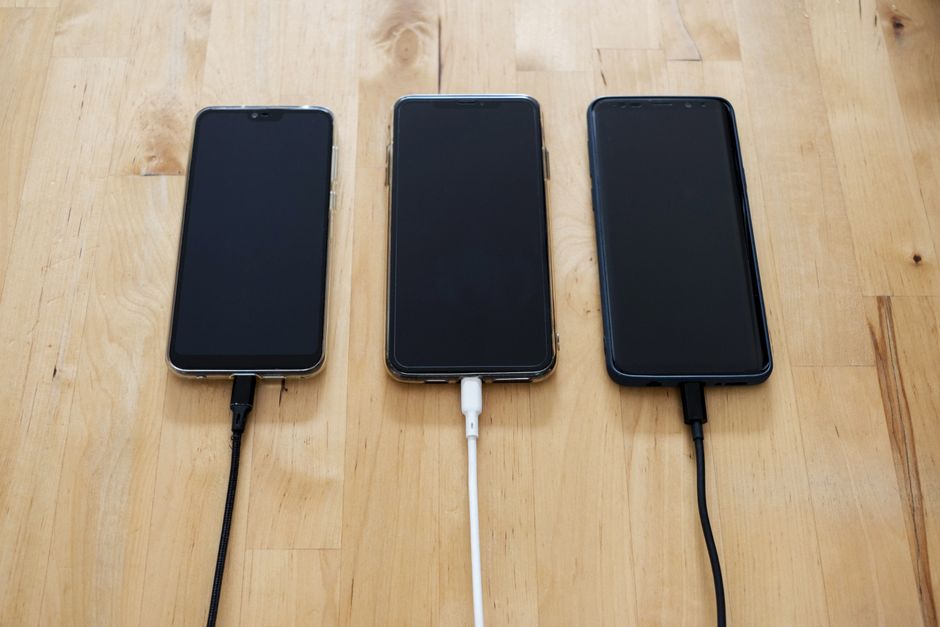
It is 11 p.m. and you are plugging in your phone, the same way you have every night for two years. Somewhere in the back of your mind sits a rumor: charging overnight ruins the battery. Or was it that you should never let it drop to zero? Or that fast charging cooks it? Everyone has an opinion, and most of them were true about a different kind of battery.
Your phone almost certainly uses a lithium-ion (or lithium-polymer) cell, and the rules for those are different from the old nickel batteries that inspired most of the folklore. Let's sort out what actually wears a battery down, what barely matters, and what you can change today without making your life harder.
What "battery health" actually measures
Every rechargeable battery loses capacity as it ages. The number you see in your phone's settings, often shown as a percentage, compares the battery's current maximum capacity to what it held when new. A battery at 85% health still works; it just holds 15% less energy, so you reach for the charger sooner.
Manufacturers usually describe wear in charge cycles. One cycle equals using 100% of the battery's capacity in total, not necessarily in one go. Drain from 100% to 50% on Monday, charge back up, and drain 50% again on Tuesday: that is one cycle, not two. Apple, for example, has stated that many of its iPhone batteries are designed to keep up to 80% of their original capacity after 500 complete cycles, and newer models are rated for more. Other brands publish similar figures. Check your own manufacturer's support page, since these numbers change by model and year.
A battery doesn't die on a date. It fades on a curve, and the curve is shaped by heat and by how full it sits.
The important point: aging is gradual and mostly invisible. What you control is how fast you slide along that curve.
Heat is the real villain
If you remember only one thing, make it this: high temperature does more damage than almost any charging habit. Inside a lithium-ion cell, unwanted chemical reactions speed up as it gets hotter, permanently eating into the material that stores energy. Most phone makers suggest keeping devices roughly between 0 and 35 °C (32 and 95 °F) in use.
Here is how heat sneaks in during ordinary life. A phone left on a car dashboard in summer can climb far above that range within minutes. A thick case with wireless charging traps warmth. Gaming while plugged in stacks two heat sources at once: the processor working hard and the battery taking in current.
Practical fixes cost nothing:
- Don't leave the phone in a parked car, on a sunny windowsill, or under a pillow while charging.
- If the case makes the phone noticeably warm on a charger, take it off while charging.
- Avoid long, graphics-heavy gaming sessions while plugged in when you can.
- If the phone shows a "too hot" warning, let it cool before you continue. That warning exists for a reason.
Cold is a smaller issue. Low temperatures temporarily reduce how much the battery can deliver, which is why your phone may shut off at 30% on a freezing morning, but it usually recovers when warmed up.
The truth about 0% and 100%
Here the old rumors start to unravel. Lithium-ion cells are under the most stress at the extremes: sitting at a very high state of charge (near 100%) and being drained to a very low one (near 0%). Neither is a disaster in isolation, but spending lots of time at either end speeds up wear.
Think of a rubber band. Stretched to its limit all night, it loses elasticity faster than one resting in a drawer. A battery held at 100% for hours, especially while warm, ages a bit faster than one resting at 70% or 80%.
That does not mean you need to micromanage. A rough, low-effort rule many battery researchers and manufacturers point toward is keep it between about 20% and 80% when convenient, and don't worry when it isn't. A road trip day at 100% or an emergency 3% will not ruin anything. It is the habit of living at the edges that adds up over years.
Is overnight charging bad?
Mostly no, and modern phones help. Charging circuitry stops pushing current when the battery is full, so you won't "overcharge" it in the dangerous sense. The remaining concern is the one above: sitting at 100% for six or seven hours.
That is why most phones now include a feature that delays the last stretch. Look for names like Optimized Battery Charging on iPhone, or Battery Protection / Adaptive Charging on many Android phones (the exact names vary by brand and software version). These features learn your routine, hold the charge near 80%, and finish just before your alarm. If your phone offers a setting that caps charging at 80% or 85%, that is an even simpler option for people who are usually near a charger anyway.
A small example: if you plug in at 11 p.m. and wake at 7 a.m., a smart charging feature can park the battery at 80% until about 6 a.m. and top it off just before you pick it up. Same morning, same full battery, noticeably less time spent at 100%.
Fast charging and wireless charging: worth the worry?
Fast charging gets blamed constantly, but the effect depends on design. Fast charging pushes more current, which creates more heat, and heat is what hurts. Phones manage this by charging quickly only up to a point (often around 50% to 80%) and then slowing down. For most people, using fast charging when they are in a hurry is a perfectly reasonable trade.
Wireless charging is convenient but less efficient, which means extra waste heat. Using a well-aligned, reputable charger and a case that doesn't trap heat makes a real difference. If you charge overnight, a wired cable is generally the cooler choice.
| Habit | Impact on long-term battery health | What to do |
|---|---|---|
| Heat (car, sun, gaming while charging) | High | Keep cool; remove heavy cases when charging |
| Sitting at 100% for hours | Moderate | Use optimized or capped charging |
| Frequent drains near 0% | Moderate | Plug in around 15–20% when convenient |
| Fast charging | Low to moderate | Fine for occasional use |
| Overnight charging itself | Low (with smart charging) | Turn on the protection feature |
Quick wins that actually save battery life
Beyond protecting the cell, you can reduce how hard it works. Lower screen brightness or use adaptive brightness, since the display is usually the biggest power draw. Shorten the screen timeout. Restrict background activity for apps you rarely open. Keep the operating system updated, because updates often include battery management improvements.
And buy quality accessories. A cheap, uncertified charger can deliver unstable power. Stick to the one that came with your phone or a certified alternative from a known brand. If your battery health has dropped below roughly 80% and you notice sudden shutdowns or a phone that dies within hours, a professional battery replacement is often cheaper and greener than buying a new device. Pricing and availability vary by brand and region, so check with the manufacturer or a reputable repair shop.
The short version
Battery wear is a slow, steady process, and your biggest lever is heat, followed by how long the battery sits at very high or very low charge. You don't need to charge in perfect little windows or set alarms to unplug your phone. Turn on the optimized or capped charging feature, keep the phone cool, and plug in before it hits empty when it's easy.
Do those few things and your phone should keep feeling fresh for years rather than months. Go ahead and plug it in tonight. It's okay to sleep easy.